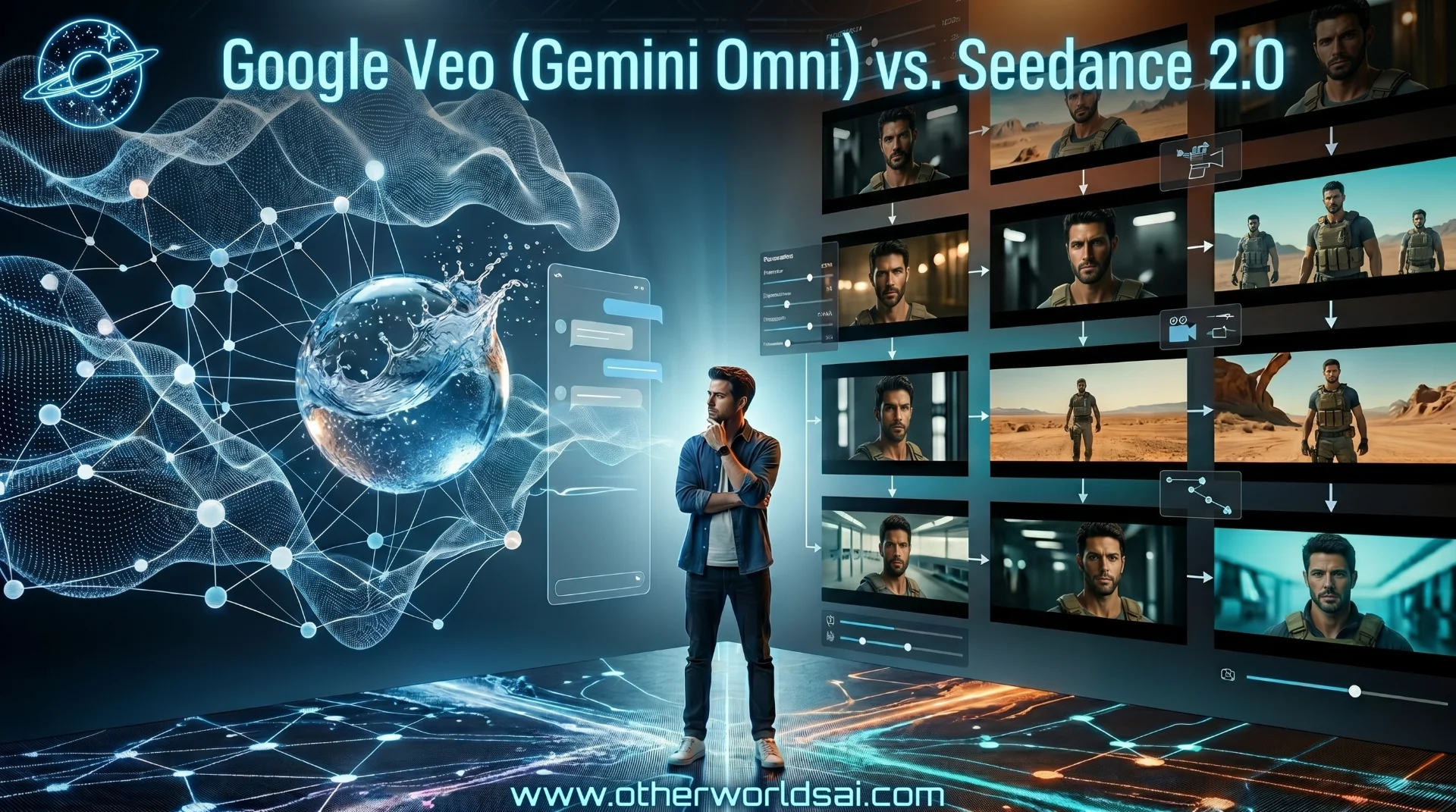

The AI Video War of 2026: Why Filmmakers Are Abandoning Old Tools for These 2 New Engines:
The landscape of generative AI video has officially split into two rival methodologies. On one side stands Google's unified ecosystem: Gemini Omni, utilizing the underlying Veo video-synthesis architecture. On the other side is Seedance 2.0 (often referenced as Sendance-2), ByteDance’s specialized cinematic and character-preserving video champion.
If you are an AI filmmaker, creative director, or content marketer in 2026, choosing the right tool is no longer just about which model makes the "prettiest" 4-second clip. It is about workflow integration, temporal consistency, audio synchronization, and editing flexibility.
In this deep dive, we’ll run a head-to-head comparison of Google Veo (Gemini Omni) and Seedance 2.0, break down their architectural philosophies, and establish a clear guide on when to deploy each model.
I. The Architectural Rift: Generalist vs. Specialist:
To understand how these models behave, we must understand how they were built.
Google Veo (Gemini Omni)
Gemini Omni is built on a natively multimodal foundation. Rather than feeding text to one model, generating images in another, and then patching them together with separate audio generators, Gemini Omni processes video, text, images, and audio in a single context window.
-
Philosophy: Video is a subset of general intelligence. By understanding the laws of the physical world (physics, gravity, light propagation) through multimodal training, the model generates scenes that look and feel naturally correct.
-
The Workflow: Conversational. You do not just run a single generation; you "co-direct" with the model over a multi-turn chat window.
Seedance 2.0
Seedance 2.0 is a purpose-built video synthesis engine. It focuses intensely on the mechanics of filmmaking: camera motion, character preservation, spatial structure, and visual style alignment.
-
Philosophy: Video generation is a production task that requires precise, deterministic controls rather than open-ended dialogue.
-
The Workflow: Parameter-driven. You feed it specific character sheets, camera paths, and style presets, and it renders high-fidelity frames with tight boundary parameters.
II. The Battle of Capabilities:
Let's look at how the capabilities of these models rank across core cinematic metrics.
Google Veo (Gemini Omni) Capability Scores
Chart data for "Google Veo (Gemini Omni) Capability Scores": Physics: 94; Temporal: 80; Editing: 98; Audio: 88.
Seedance 2.0 Capability Scores
Chart data for "Seedance 2.0 Capability Scores": Physics: 82; Temporal: 93; Editing: 40; Audio: 91.
1. Physics & Realism (Winner: Google Veo)
When it comes to simulating fluid dynamics, light reflections, and real-world collisions, Google's Veo is unmatched.
-
Veo understands the weight of objects. If you prompt a scene of a heavy stone falling into water, the splash, ripples, and foam align perfectly with actual physics.
-
Seedance 2.0, while visually stunning, occasionally suffers from typical diffusion drift—objects may morph slightly, or fluids might defy gravity to favor a "cinematic" look over a physically accurate one.
2. Temporal & Character Consistency (Winner: Seedance 2.0)
Maintaining the same face, clothing, and background across multiple cuts is the holy grail of AI video.
-
Seedance 2.0 uses advanced Reference Stacking. You can upload a character sheet (multiple angles of the same character) alongside a style reference (e.g., cyberpunk, noir). The model locks those tokens in place, allowing you to generate different shots (wide, close-up, panning) while maintaining 90%+ character likeness.
-
Gemini Omni maintains consistency via its conversational memory. While this works well for simple narrative changes, it can drift over long sequences or complex prompt shifts.
III. The Inference Speed & Efficiency Curve:
As enterprise adoption rises, the rendering speed and cost become critical bottlenecks. Google's cloud infrastructure and ByteDance's custom hardware clusters offer differing optimization profiles.
Why Google’s New Free Gemini Feature Is a Massive Wake-Up Call for Businesses
Rendering Latency by Clip Duration
Chart data for "Rendering Latency by Clip Duration": 5 Seconds: 12 Seconds; 10 Seconds: 28 Seconds; 15 Seconds: 45 Seconds; 20 Seconds: 65 Seconds; 30 Seconds: 110 Seconds.
IV. Head-to-Head Technical Specifications:
Here is a quick reference table showing how the two platforms stack up across technical specifications:
Technical Specifications & Feature Matrix
| Feature | Gemini Omni (Veo) | Seedance 2.0 |
|---|---|---|
| Input Mode | Conversational Chat | Parameters & References |
| Max Resolution | 1080p (4K Upscaled) | Native 1080p |
| Camera Controls | Natural Language | Motion Vectors & Paths |
| Audio & Lip-Sync | Native Audio Tracks | Frame-Sync Lip-Sync |
| Integration | Google Workspace & API | CapCut, Picsart, & Web |
Table data for "Technical Specifications & Feature Matrix": Input Mode (Gemini Omni (Veo): Conversational Chat, Seedance 2.0: Parameters & References); Max Resolution (Gemini Omni (Veo): 1080p (4K Upscaled), Seedance 2.0: Native 1080p); Camera Controls (Gemini Omni (Veo): Natural Language, Seedance 2.0: Motion Vectors & Paths); Audio & Lip-Sync (Gemini Omni (Veo): Native Audio Tracks, Seedance 2.0: Frame-Sync Lip-Sync); Integration (Gemini Omni (Veo): Google Workspace & API, Seedance 2.0: CapCut, Picsart, & Web).
Support our research
Independent analysis fueled by you.
V. Directing a Scene in Gemini Omni (Google Veo)
Because Omni is conversational, avoid writing massive, over-detailed prompts on your first turn. Build the scene iteratively.
- Establish the Base Scene:
Prompt: "A cinematic shot of an astronaut walking on a neon-lit red sand planet, wide shot."
- Add Camera Movement:
Prompt: "Make it a low-angle tracking shot following the astronaut from behind."
- Adjust the Atmosphere (Multi-turn Edit):
Prompt: "Change the neon lights from blue to a warm amber glow, and add subtle dust particles floating in the air."
VI. Setting Up a Character Sequence in Seedance 2.0:
Seedance relies on reference input for stability. Use the following multi-input pipeline:
-
Character Reference Slot: Upload a clear, front-facing portrait of your subject.
-
Style Reference Slot: Upload an image that represents your desired color palette and lighting (e.g., high-contrast moody lighting).
-
Write the Action Prompt:
Prompt: "Close-up shot, [character] looking up in awe as a futuristic spacecraft passes overhead, dramatic cinematic lighting, photorealistic."
-
Configure Camera Parameters: Set the camera motion slider to Medium-High and select the Tilt-Up preset to ensure the camera tracks the spacecraft's movement perfectly.
VII. The Integration Ecosystem:
How these engines tie into existing creative tooling dictates practical utility:
"The true value of AI video is not a standalone generation box. It is the integration into the timeline where editing, coloring, and sound design happen in real-time." — AI Film Director Guild
- Google's Strategy: Seamlessly integrated into Google Workspace and Google Vids. It serves as an automated creator suite for corporate and marketing pipelines.
- ByteDance's Strategy: Integrated into massive social engines like CapCut and partner platforms like Picsart and ElevenLabs, focusing heavily on influencer content, short-form storytelling, and visual styling.
VIII. Summary & Workflow Takeaways:
The decision between Google Veo (Gemini Omni) and Seedance 2.0 comes down to the nature of your project:
:::Takeaways:
-
Choose Google Veo (Gemini Omni) if you need iterative flexibility and physical realism. It is the ultimate tool for brainstorming, marketing mockups, and presentations where you want to edit assets interactively using natural language.
-
Choose Seedance 2.0 if you are building character-driven narratives (like AI short films or sequential storyboards) where visual continuity, specific camera pathing, and stylistic consistency across multiple clips are critical. :::
IX. The AI Video FAQ:
What is the difference between Gemini Omni and Google Veo? Google Veo is the deep video synthesis engine, whereas Gemini Omni is the overarching multimodal system that integrates Veo's rendering capabilities with text, audio, and reasoning features.
Does Seedance 2.0 support audio generation? Yes, Seedance 2.0 features dedicated sound design synthesis and lip-sync capabilities, allowing for native dialogue mapping.
How does Google Veo handle character consistency? Veo handles consistency through in-context conversation memory. You can request changes to previous generations by reference in subsequent prompts.
Which model is faster for rendering? For short sequences (5-10 seconds), Gemini Omni renders slightly faster due to TPU optimization. However, Seedance 2.0 is more efficient for batch storyboard rendering.
X. The Roadmap to Future AI Cinema:
As we push closer to total automation, hybrid workflows using both models will dominate. Creators will use Google Veo to establish physics-heavy foundational assets and Gemini Omni to refine scenes, while relying on Seedance 2.0 for dialogue scenes and character continuity.
Anthropic vs OpenAI: Which AI is Better at Controlling Your Desktop?
:::References
- Google DeepMind Veo Research | https://deepmind.google/veo | Google DeepMind | 2026
- ByteDance Seedance 2.0 Documentation | https://bytedance.com/seedance | ByteDance | 2026
- The Future of Generative Film | https://easemate.ai/blog | AI Film Guild | 2026 :::
Engineering
The Future.
No spam. Only high-signal AI dispatch.
IU BUTT — June 5, 2026